02 / GALLERY
The Unit, From Every Angle
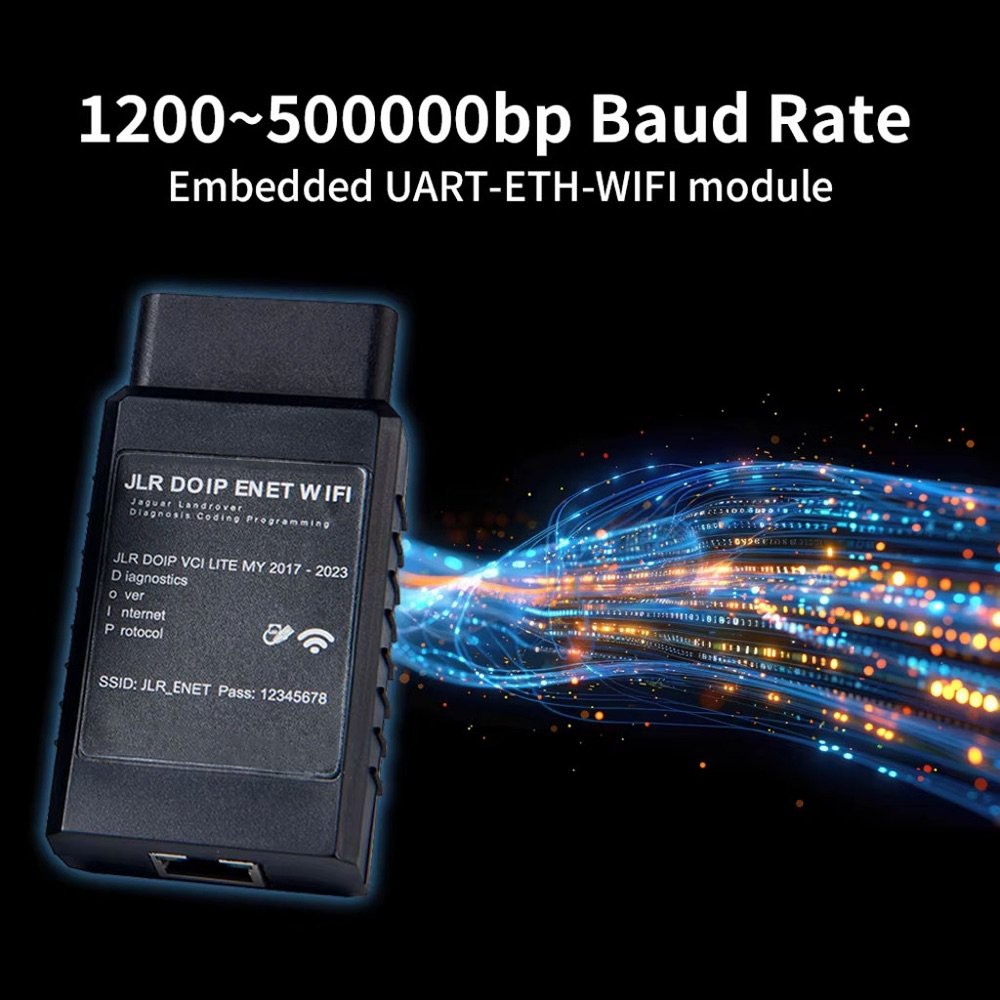
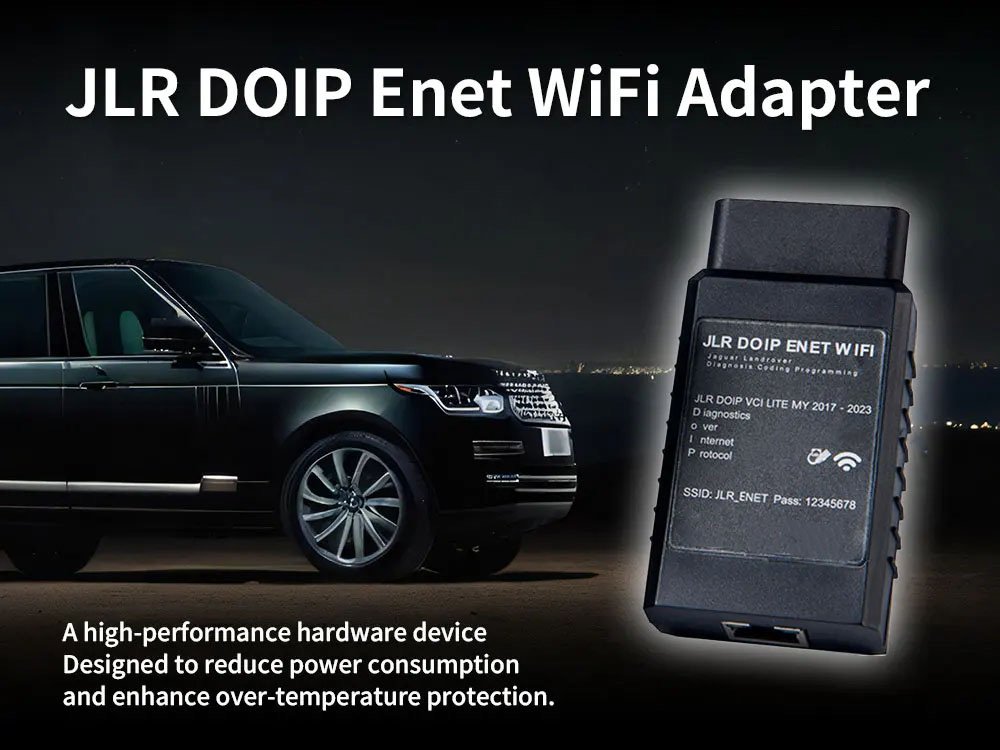
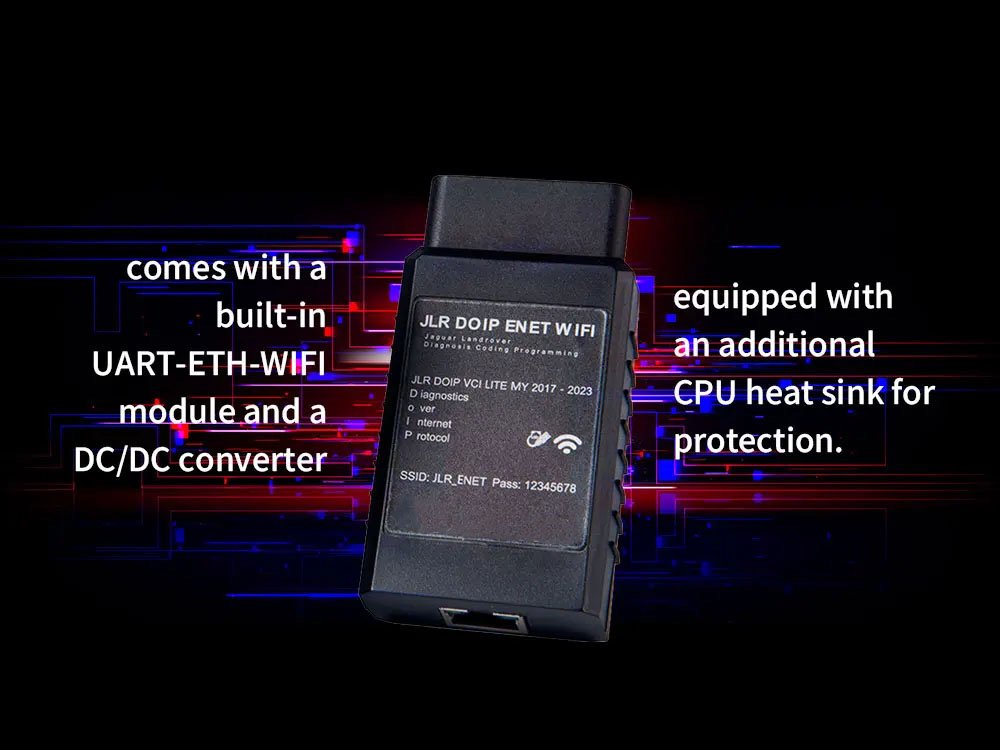
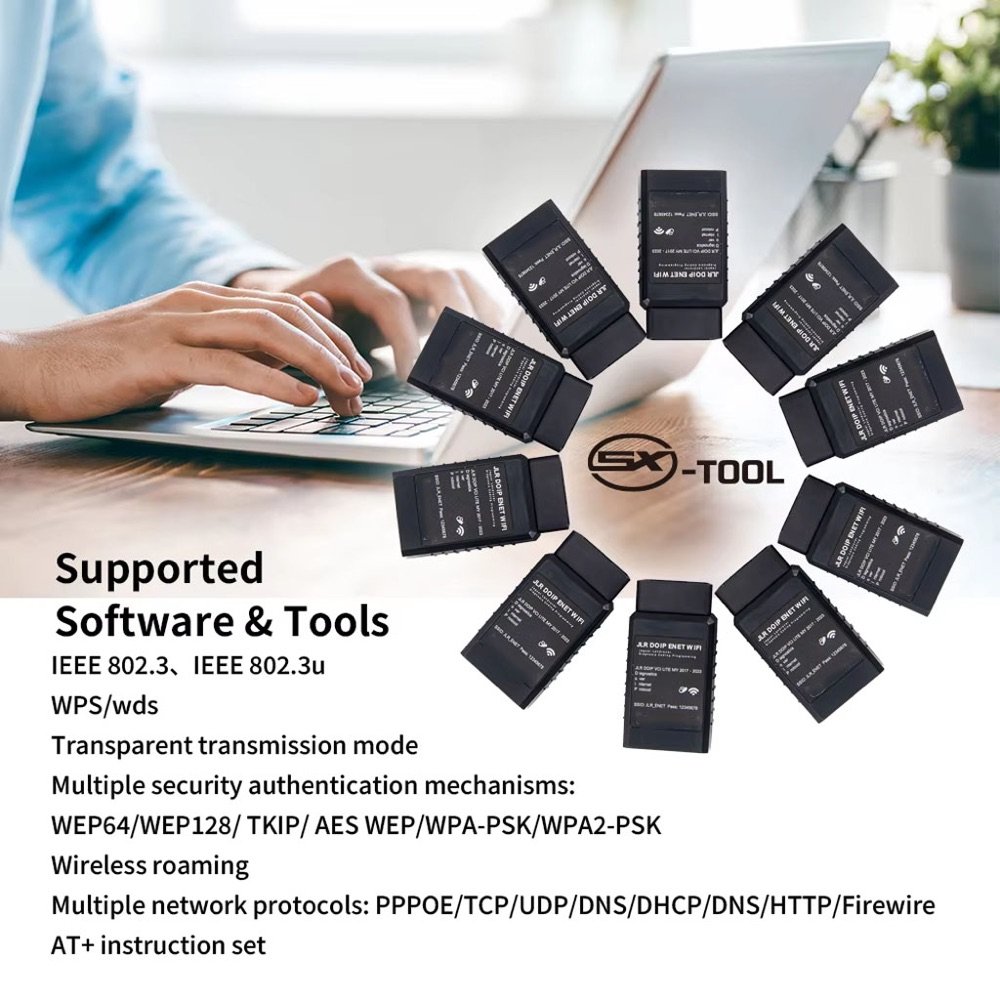
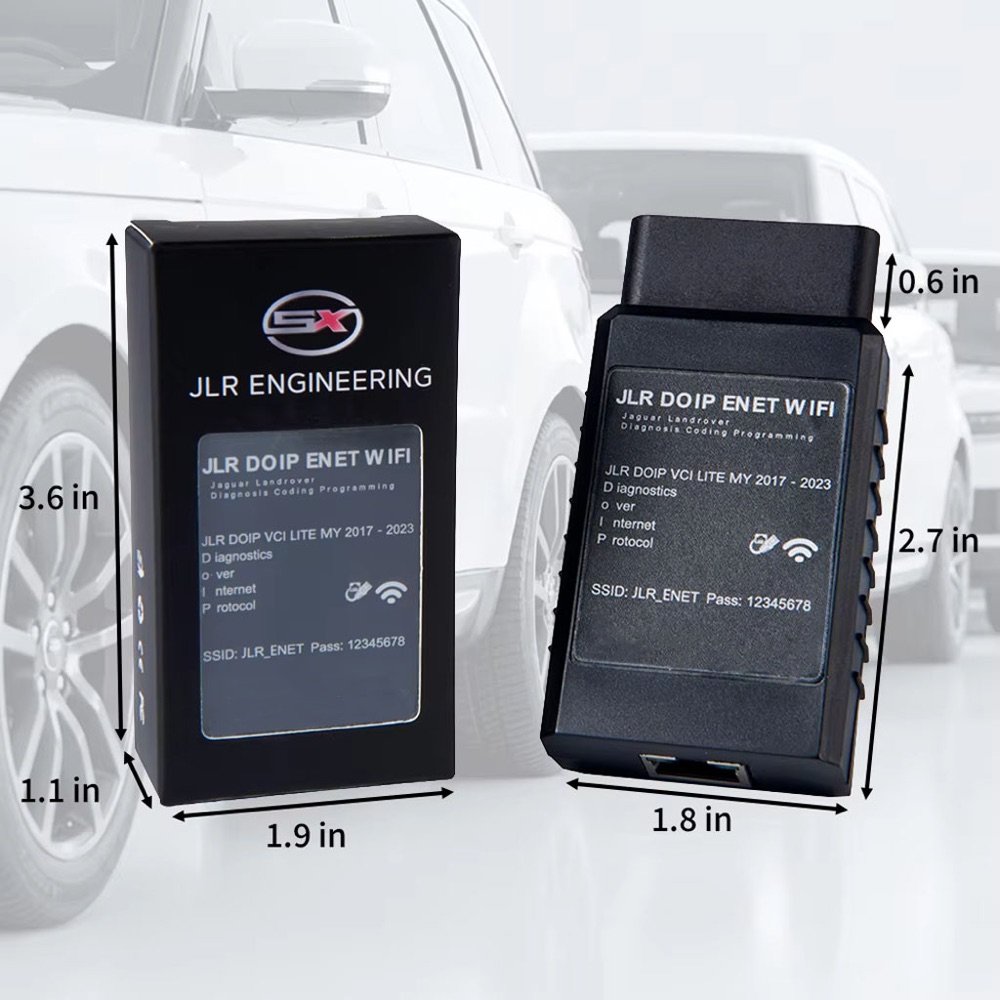
Production hardware, photographed as it ships: the DoIP bridge module, its thermal design, dimensions and the software ecosystem it plugs into.
A wireless DoIP bridge between your car and your laptop or phone — code from the driver's seat, diagnose from the office, flash with the USB-C backup link.
A wired ENET cable tethers your laptop to the footwell. The WiFi adapter turns the car into a hotspot: run diagnostics with the laptop on the workbench, code comfort features sitting in the driver's seat, or monitor live data on a road test with the phone in a mount.
Tri-mode architecture (Client / AP / Router) adapts to any workshop: the adapter can host its own network, join yours, or bridge through a router for internet-dependent tools like TOPIx Cloud.
Production hardware, photographed as it ships: the DoIP bridge module, its thermal design, dimensions and the software ecosystem it plugs into.
| Mode | How It Works | Best For |
|---|---|---|
| AP Mode | Adapter broadcasts its own WiFi; devices connect directly | Quick sessions, roadside, no existing network |
| Client Mode | Adapter joins your workshop WiFi | Any device on the network can reach the car |
| Router Mode | Adapter bridges car ↔ router ↔ internet | Cloud tools: TOPIx Cloud, online accounts |
WiFi is excellent for coding, diagnostics and live data. For long ECU firmware flashes, a momentary 2.4 GHz dropout can be fatal to a module. Our advice is the same one we print in the box: flash over USB-C backup link or a wired Type-C adapter, with a battery maintainer attached.
That honesty is why professionals trust the brand.
| Specification | Detail |
|---|---|
| Wireless | 2.4 GHz WiFi (Client / AP / Router tri-mode) |
| Wired backup | USB-C port for stability-critical flashing |
| Protocol | DoIP / ENET, 100BASE-TX up to 100 Mbit/s |
| Protection | Over-voltage protection circuit, status LEDs (power / WiFi / data) |
| Devices | iOS, Android, Windows, macOS |
| Certifications | CE / FCC / RoHS · 12-month warranty |